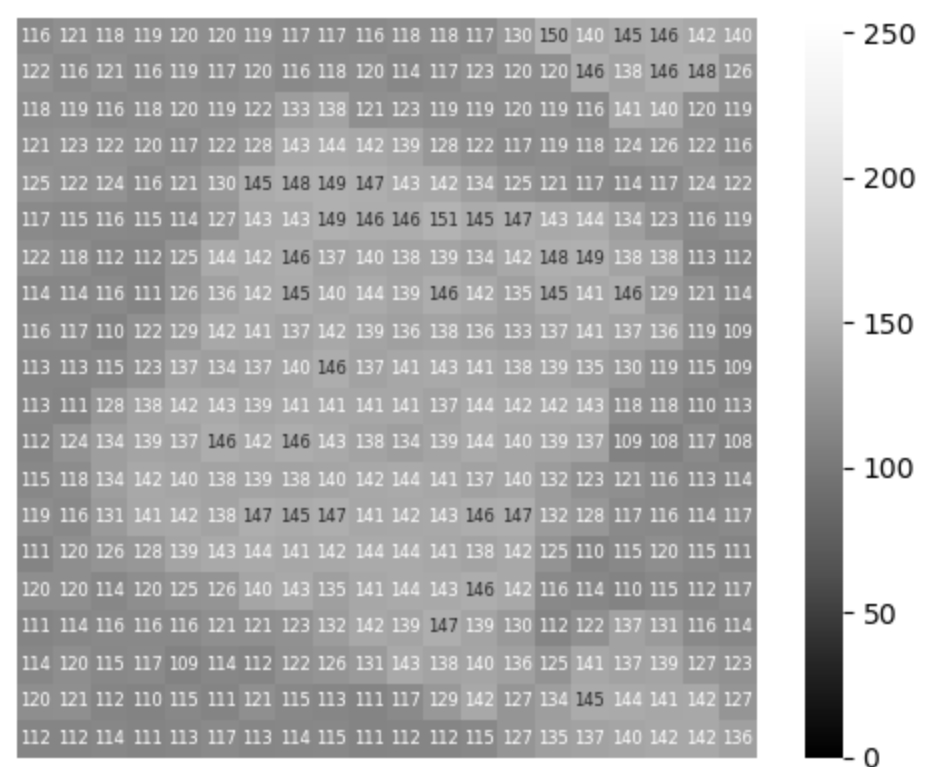
有时候要给人展示什么是数字图像,就需要把像素值直接显示出来,这一点可以用python轻松办到。
读取图像
from skimage import ioimport matplotlib.pyplot as plt
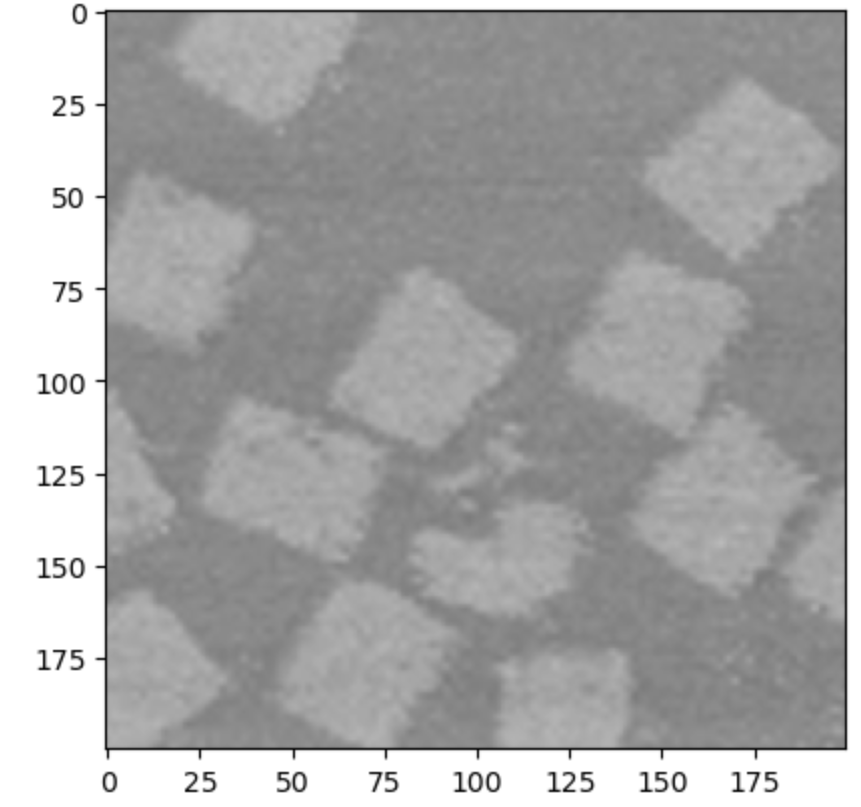
fp = 'path/to/img'img = io.imread(fp)
fig, ax = plt.subplots()ax.imshow(img, cmap='Greys_r', vmin=0, vmax=255)# 8-bit灰度图的正确显示需要指定 colormap,并设置好contrast# ax.set_axis_off()plt.show()效果如下:
显示像素值
这里其实是把图像这个数值矩阵绘制成热图,主要使用 sns.heatmap 作图函数。
a = img[60:120, 120:180]# 截取图像的一个区域a1 = a[::3, ::3]# 进行下采样,相当于每三个像素采样一次,shape从60x60变为20x20# 不然pixel太小,根本放不下能够看清的数字
sns.heatmap(a1, cmap='Greys_r', vmin=0, vmax=255, square='True', # 正方形热图 annot=True, # 开启数字显示 fmt='d', # 数字显示整数 annot_kws={'fontsize':6}, # 调整字体大小 )plt.axis("off")plt.show()效果如下: